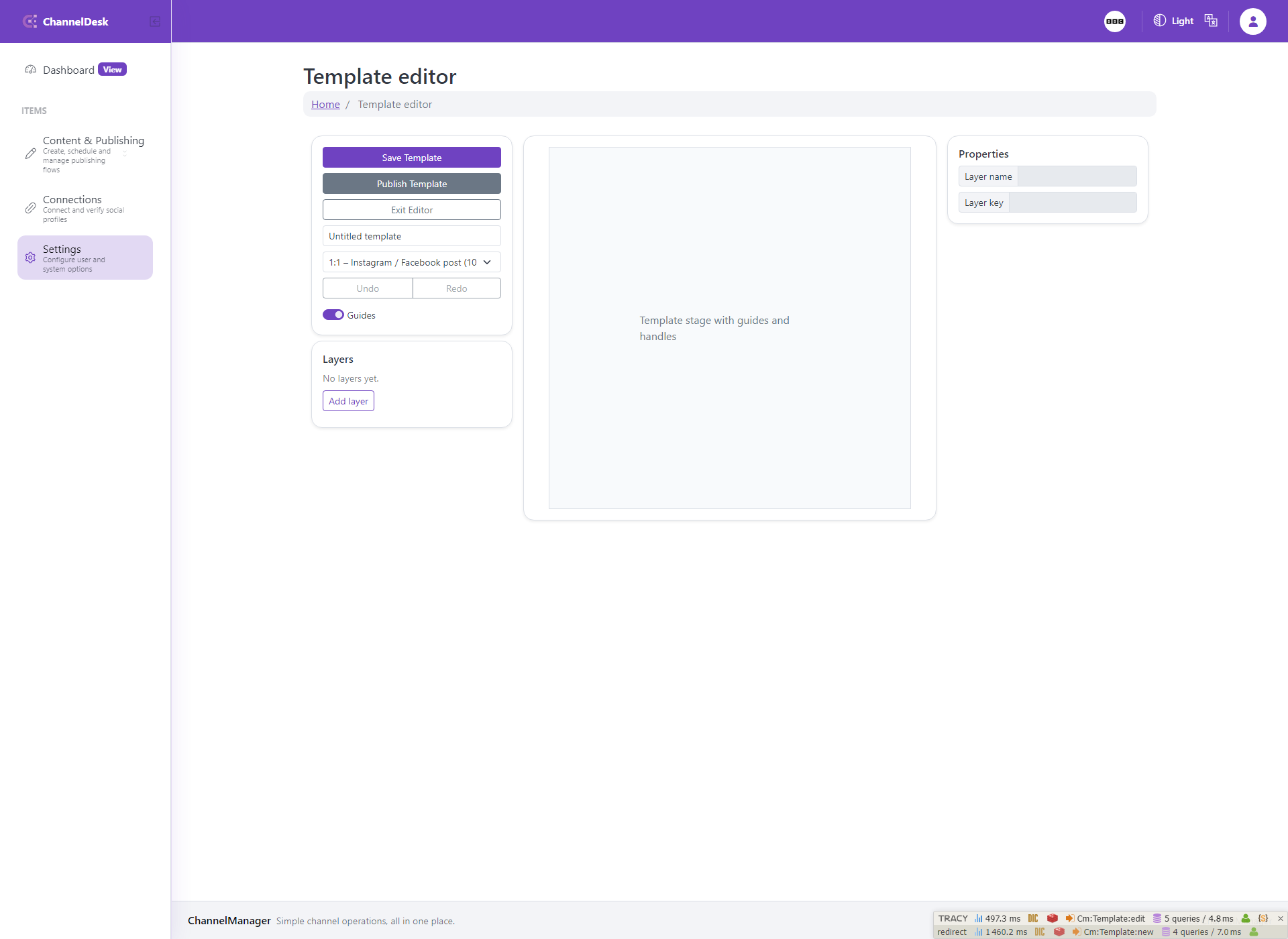
Image Templates: New template
New template opens the image template editor with a draft template ready for setup. The user can rename the template, choose the output type, configure the canvas, and begin adding reusable visual layers.
This page should document the first editor state: where the canvas appears, where template properties are edited, how layers are added, and how the draft is saved before it becomes part of the reusable template library.
Connect this workflow back to Content posts by explaining that saved templates become available in image generation and modal-based image preparation.