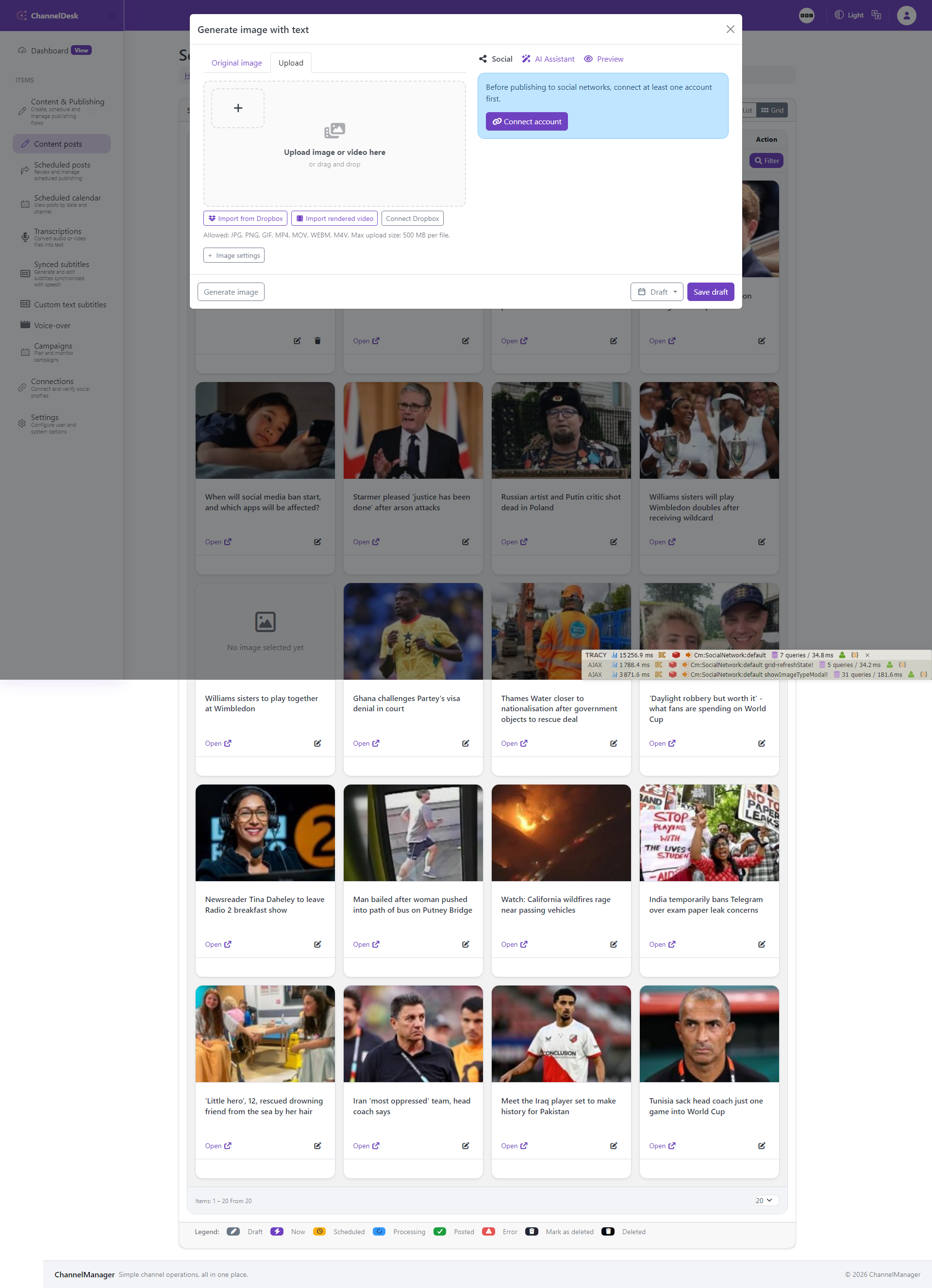
Content posts: Image type modal
The image type modal is opened from a content post when the user needs to prepare visual assets before publishing. It brings template-based generation, uploaded media, generated images, and post-specific image choices into one focused editor.
Use this screen to explain how a user chooses the image workflow, selects a template or existing asset, reviews the preview, and saves the image back to the post. The screenshot should make the modal context visible so readers understand that this is part of the composer workflow rather than a separate settings page.
When documenting examples, include the relationship between this modal, image templates, dynamic fields, and the final media that will be attached to a social post.